
CENTEGIX® | Visitor Management Integrations
PowerSchool
Save hours of data entry and manage daily custody or reunification by integrating your PowerSchool account with CENTEGIX Visitor Management.

See How CENTEGIX and PowerSchool Work Together
Sync Student Rosters from PowerSchool
By integrating with PowerSchool, you’ll always have up-to-date student rosters in CENTEGIX Visitor Management. Enjoy roster updates in real time.
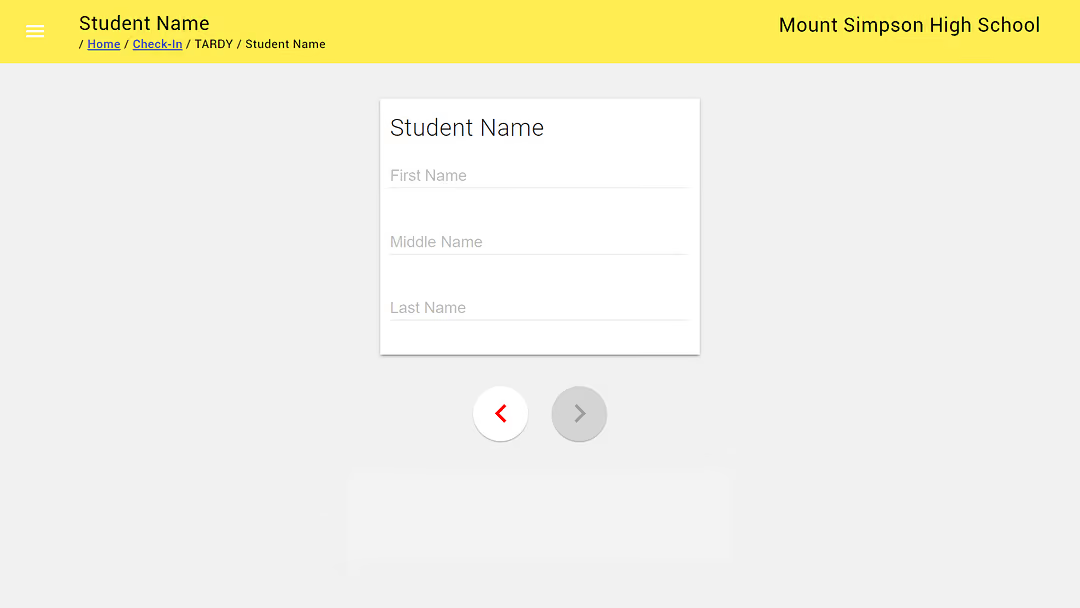
Sync Student Attendance Records
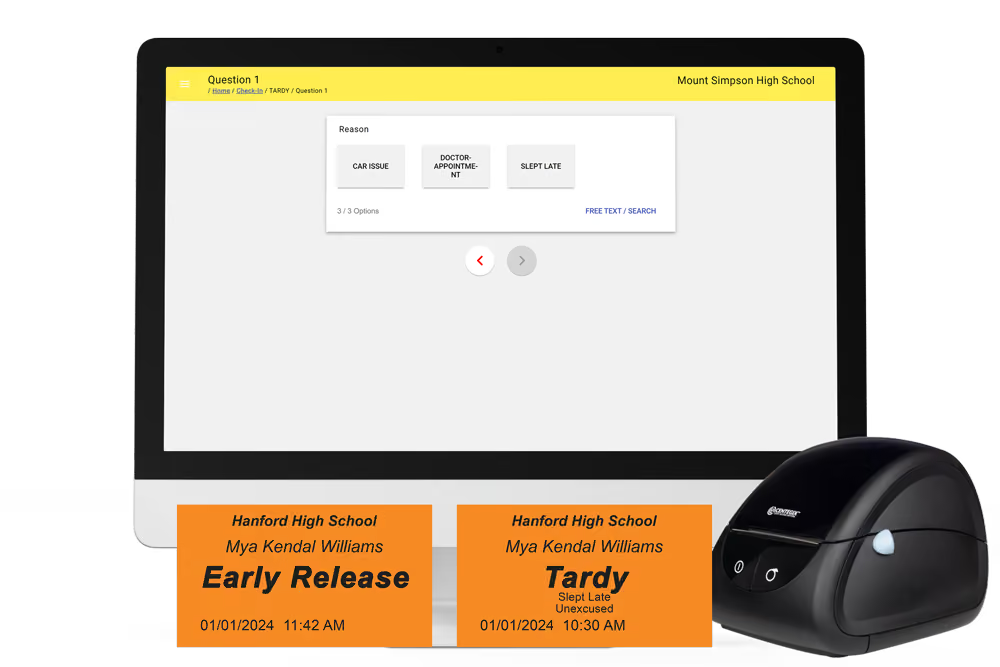
CENTEGIX is proud to offer the most widely adopted PowerSchool integration that writes back attendance across all school visitor management systems that syncs tardy and early release records to daily and meeting schedules with time in/time out.
Sync Approved Student Contacts
The CENTEGIX Visitor Management/PowerSchool integration helps keep your students safe by syncing approved contacts for early dismissal. Add your custom list of unapproved contacts for an additional layer of security.

Safety and Efficiency: PowerSchool and CENTEGIX Visitor Management Flyer
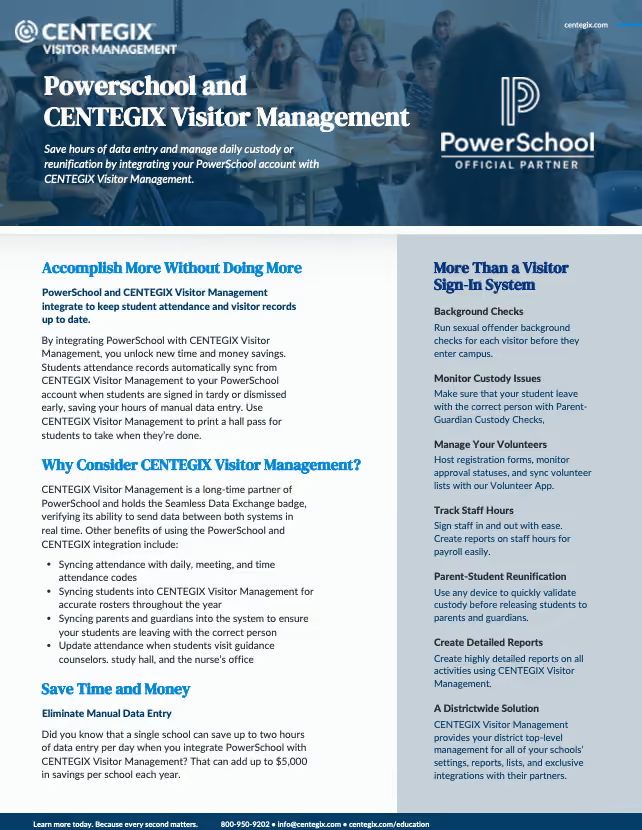
Download our PowerSchool integration flyer today to learn about additional benefits.

Visitor Management Is Integral to CENTEGIX’s Layered Approach to Safety
Connect
Start Managing Your Visitors Today
Our team is ready to support you in creating a culture of safety at your organization.

Your questions, answered
FAQs
How secure is this connection? You have access to our student information now.
Very secure. PowerSchool has created a secure API and has assisted us in this connection to send and retrieve information in the most secure way. Always be assured our system is secure even without this API connection. Ident-A-Kid ensures our system is FERPA compliant. Our API is the only one for Visitor Management systems to receive the Seamless Data Exchange Badge – to use the PowerSchool API for seamless, secure data exchange; read and write-back capabilities allow bi-directional data integration with PowerSchool.
What do I need to get the PowerSchool API?
You will need to purchase the Enterprise Edition of our software with the added PowerSchool API connection. Enterprise Edition is only available to School Districts and private schools that are not connected to a school district. Individual schools cannot purchase Enterprise with PowerSchool connection on their own. You will always have the manual import/export from PowerSchool to Ident-A-Kid until the API is put in place.
Along with your purchased license, you will need a Dymo printer and tardy slip rolls if you wish to print tardy passes. For pricing, please contact the National Office at 800-890-1000 option 4.
Who should I speak with at my district to get this implemented?
You will want to start with the person who purchased or manages the visitor management system at the district level. If you do not know who this person is ask your Ident-A-Kid local Director. Look for your Directors of Safety or Security, and Directors of Technology and involve your PowerSchool Administrator at the district level to have them review and approve the API.
After a check-in or check-out is completed how long does it take to post to PowerSchool?
The attendance code and comments field are synced to PowerSchool instantly. The specific clock-in and clock-out times and overall time calculation occurs at the top of every hour.
Will this work in Elementary, Middle, and High Schools?
Yes. Our API will send all attendance back for tardy to school for Period and Daily, as well as class by-class tardies for Period Attendance. Schools are able to log all tardies, early releases, and even returning students.
Can I run this as a Kiosk or only by a school attendant?
You can run in the kiosk or attendant mode. Our system will import all student names and attendant codes. Think about how you track your students now and what codes are used. If you can limit the codes selected for attendance to unexcused only and handle exceptions manually once you receive a note, then your school can use the system as a kiosk. This will allow all students or parents to process tardies and early releases on their own without the need for a staff member to do this task.
If you need all attendance codes within our system, we would suggest having an attendant track the tardies and early releases. They could select the name and appropriate attendance code to go into PowerSchool.
Will I still be able to manage the reason they are late and all other additional information?
Yes. You will still have additional information fields 1 and 2 to track other information your school may need for your records, like reasons for tardies and early releases. All information entered during the tardy or early release, including the timestamp, will be added to the comment box of the attendance class.
What do I need to manage the tardies? Will this print a pass for the student?
You will need a Dymo LabelWriter Printer. We currently support Dymo 450 and 450 plus models. You will also need tardy slip rolls. You will be able to print tardy and early release slips as needed for your school with student name, check-in/out time, and reason.
Will the Tardy override what is there if they were already marked absent?
Yes. If a student has already been marked absent, and a student comes in as tardy, the attendance code selected will replace the codes for the classes selected. Also, if a student leaves early, for a doctor’s appointment for example, and then returns, you can mark the student unexcused with a note from the doctor and present for the remainder of the day.
Already have our PowerSchool Connection and having issues?
Most issues with our System syncing into PowerSchool are a result of incorrect settings in place. Please make sure you are selecting a name from the pre-loaded Students list and selecting an attendance code in additional information 3 or 4. If you are still having issues or need the API Documentation, contact our support team.
Do bridge settings interfere with posting attendance to PowerSchool?
Attendance bridge settings are primarily used at schools that utilize both daily and meeting attendance modes. Enabling a bridge either from meeting to daily or daily-to-meeting, to it allows attendance records to be created and will stay in sync across both attendance modes. Generally, to keep daily attendance records in sync you would dictate which meeting period would be used for daily attendance.
How do I check which PowerSchool integration I’m using?
To check if you are using our Standard or Time-In/Out integration log into your Powerschool app at https://powerschool.ccssvm.com using your Identakid account. Once logged in you should see your registration(s) listed. Click Sync then click Stop Sync. The sync must be stopped before you can view which integration you are using. Once stopped, click Go Back to the Registration page, then click Edit. You will see a checkmark next to the integration you are using. Be sure to restart the sync when you are done.