
EVERY. SECOND. MATTERS.® in Government Facilities
Outdated Tools Fail Modern Public Buildings
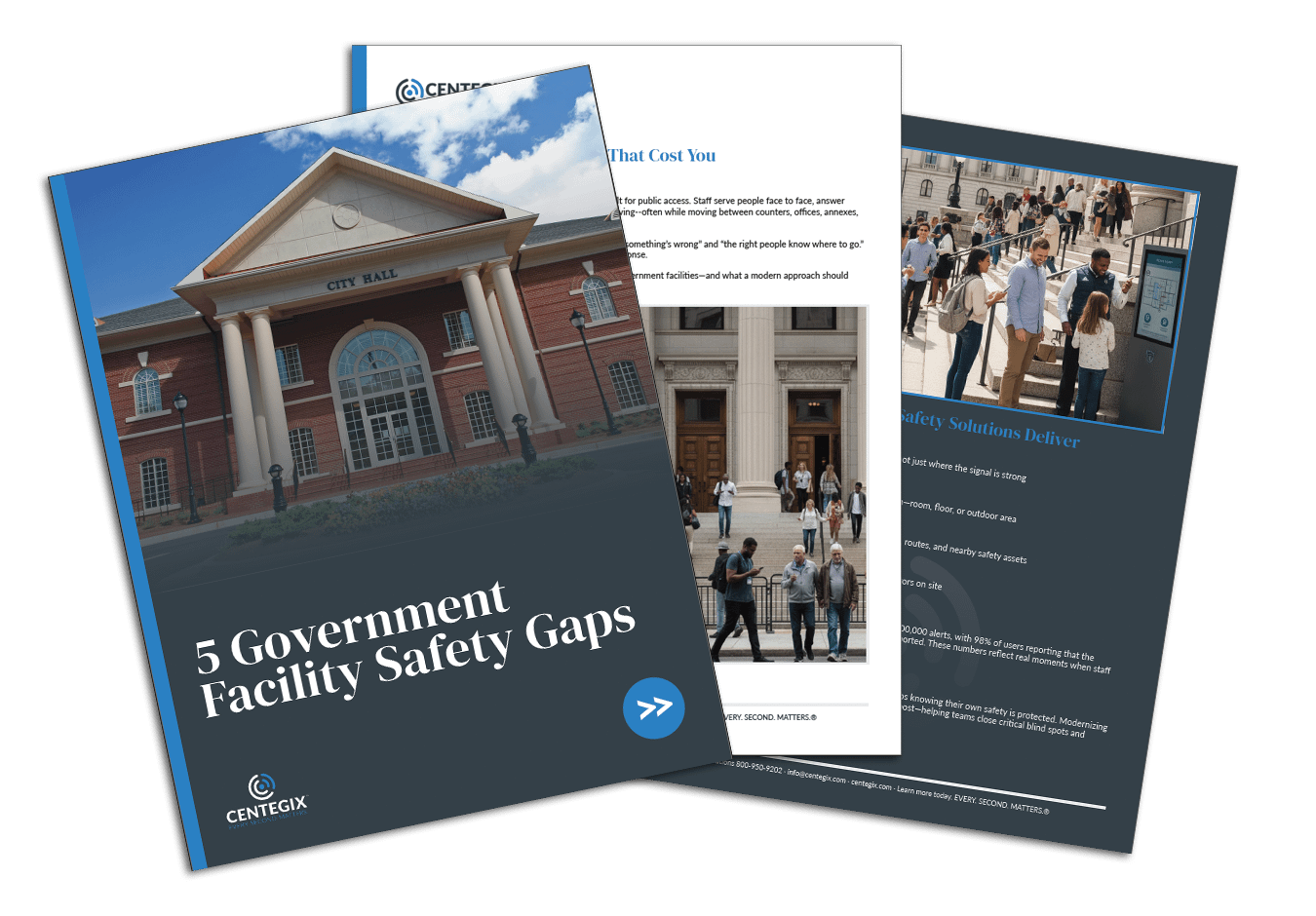
5 Government Facility Safety Gaps That Cost You Seconds and Liability
A practical audit to reveal where time and clarity are lost, and what modern safety platforms do to reduce response delays.
What you’ll get:
✔ The five most common safety gaps in government building safety plans
✔ Simple checks you can run this week to spot vulnerabilities
✔ A snapshot of how safety platforms deliver comprehensive coverage, one-button alerts, live maps, and visitor accountability
Why it’s worth 3 minutes: Because in an emergency, three minutes can mean the difference between controlled response and chaos. See how fast, coordinated action restores confidence across your facilities.
The CENTEGIX Safety Platform® for Government
Wearable Panic Button
Get help to the correct location quickly with a discreet, wearable panic button. With one button, trigger an immediate alert with precise room- and floor-level location—no phones to find, no apps to launch, no dependence on Wi-Fi or cellular.

Welcome the public with visibility. Digitally verify identity, assign access appropriately, and locate guests during their stay. Replace paper logs and generic badges with an auditable, real-time view of who’s inside.

Access live, detailed maps that help responders go straight to where help is needed while showing where critical safety assets are located. Easily update layouts and equipment locations as buildings change, so responders are never working from stale PDFs.
Frequently Asked Questions
How do I know if my building has coverage gaps?
A quick walk-through often reveals them. Stairwells, basements, annexes, and garages are the most common blind spots. The CENTEGIX Safety Platform® operates everywhere on your property without relying on Wi-Fi or cellular.
Can I roll out a new safety solution in phases?
Yes. Many local governments start with high-traffic or high-risk buildings and expand over time. The CENTEGIX Safety Platform® is designed to scale as needs and budgets grow.
How quickly can a safety system be implemented?
With CENTEGIX, implementation is measured in weeks, not months. Because the Safety Platform® operates on private LoRaWAN and Bluetooth networks, it doesn’t depend on complex IT integration or cellular/Wi-Fi coverage to get started.
Why aren’t fixed panic buttons enough anymore?
How do digital safety maps stay current?
As structural elements, rooms, or safety assets change, maps can be edited and updated to reflect the actual modifications, so responders aren’t relying on outdated visuals. With CENTEGIX Safety Blueprint®, you always have the most accurate view of your buildings.
How is visitor information managed and protected?
See CENTEGIX in Action
A quick walkthrough shows how CENTEGIX closes the exact gaps identified in your checklist and how it fits into your operations and IT environment.
"*" indicates required fields
SOLUTIONS
INDUSTRIES
RESOURCES
COMPANY
PARTNERS
CONTACT
EVERY. SECOND. MATTERS.®